
Wine lists
A wine is not a dish. It has a producer, a region, a grape, a vintage, an ageing classification, four bottle formats and a technical sheet — and the wine list is the one menu type in Fenómenus built around all of that.
What makes this menu type different
| Wine list | |
|---|---|
| Categories | Seeded with a complete wine structure when the type is enabled |
| Extra taxonomies | Vintage, ageing classification, winery, grape, region |
| Edit screen | A dedicated wine panel, not the generic dish fields |
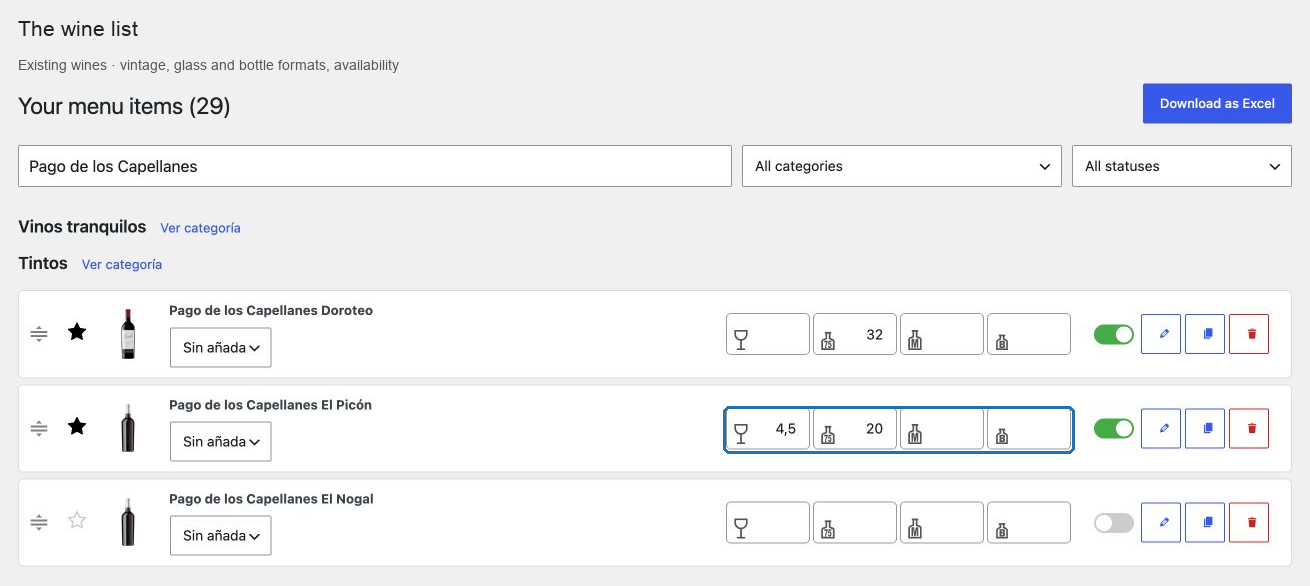
| Prices | Glass, bottle, Magnum, Benjamin |
| Media | A single image, not a photo gallery |
| Category navigation | Flat by default |
| Automatic category on publish | Not applied — a wine is never auto-filed |
| Bulk entry | Its own wine tools instead of the generic paste table |
In this chapter
| Task | Article |
|---|---|
| Understand what a wine record holds | Wine fields |
| Price a wine in each format | Wine price formats |
| Structure the list guests browse | Organize the wine list |
| Record vintages and grapes | Grape and vintage |
| Record origin, type and ageing | Origin and classification |
| Create a wine from a search | Search a wine with AI |
| Complete missing details in bulk | Bulk fill wine information |
| Turn a photographed list into records | Import a wine list from an image |
| Check what the AI produced | Review AI wine data |
The structure you start with
Enabling the wine list seeds three things, so the type arrives ready to use:
- a complete, ordered category tree — still wines with whites, orange wines, rosés and reds; sparkling wines with their production methods; and the other families, each with a description;
- a vintage list covering the years from 1930 to 2030;
- an ageing classification with three international levels: young wine, medium ageing, long ageing.
Rename what does not match the house, delete what you do not sell, and add what is missing.
The convention that keeps a list clean
Keep the vintage out of the wine's title. The bulk tools label the title column Wine name (no vintage) for this reason.
Two vintages of the same wine are then two records with the same name and different vintages, rather than two differently spelled titles that no import will ever match. It also means a vintage change is a field edit, not a rename.
A realistic order of work
- Enable the wine list and review the seeded categories.
- Import or create the references, with names and prices.
- Assign each wine its category, vintage and type.
- Complete origins, grapes and technical sheets — by hand, or with the AI tools.
- Review what was generated before publishing.
- Set the glass prices last; they change most often.
Start with Wine fields.